When a shared link shows your logo or a photo you removed months ago, the website link preview image is coming from the wrong place. Facebook, LinkedIn and most messaging apps read one line in the page code, the og:image tag, and if that tag is missing or points at a generic file they pick whatever they find or reuse an old copy. The fix has two parts: give every page its own relevant image in that tag, then make each platform fetch the page again. At xCreative™, a Melbourne branding and web design studio in Chadstone, we now check the share image of every page before a site goes live and again whenever we replace photos.
Why this became part of our routine
In October 2026 an AI search answer about a business whose website we manage showed a car photo that did not exist anywhere on that website. The owner thought it looked generated. Most pages on that site had no image set for sharing, so whatever displayed the page had to guess or supply its own picture.
That sent us back to our own site first. We went through all 180 public pages on xcreative.com.au, set a share image on every one of them and changed the featured image on 114. Three images were also missing alternative text, so we wrote it. The rule we settled on is simple: each page shares a picture of our own project work that matches the page. Our SEO and AI search pages now share the website we built for Riddells South, and the About page shares a photo from our POP MART work. Only the contact page and the legal pages keep the logo.
Where the preview picture actually comes from
The Open Graph protocol defines og:image as the image that should represent a page when it is shared. Meta’s crawler reads it, and so do LinkedIn and most chat apps. If the page has none, the result depends on the platform: some take the first large image in the page, while others fall back to the site logo or show a grey box.
Google reads the same signal. Its image SEO documentation says selection of an image preview is fully automated, but you can influence it with og:image or a primary image in structured data. It also asks site owners to avoid a generic image such as a logo, or an image with text in it. Its Discover guidance asks for large images at least 1,200 pixels wide.
On a WordPress site the og:image tag is usually written by an SEO plugin such as Yoast or Rank Math. Each page has two settings that often disagree: the featured image, which the theme may show at the top of the page, and the social image in the plugin, which overrides it for sharing. When neither is set, the plugin falls back to a sitewide default, which on most sites we inherit is the logo.
Our check, page by page
We run this from a list of every address in the site’s XML sitemap, so nothing is skipped because it is not in the menu.
- Read what is live. We fetch each page and record the og:image address it actually outputs. Settings screens can say one thing while a caching plugin serves another.
- Look at the pictures, not the file names. We put every page title next to its share image on one contact sheet and review it by eye. A file called hero-final.jpg tells you nothing; seeing a kitchen photo on a page about logo design does.
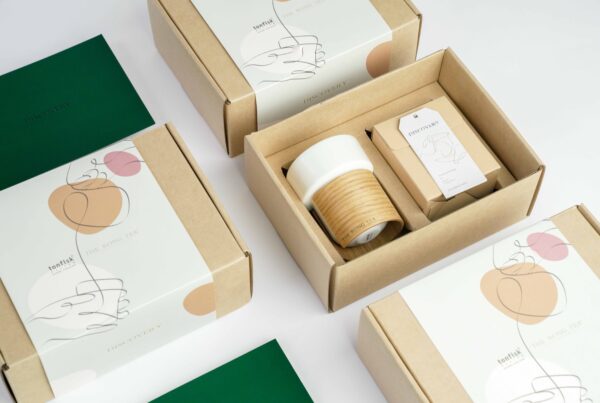
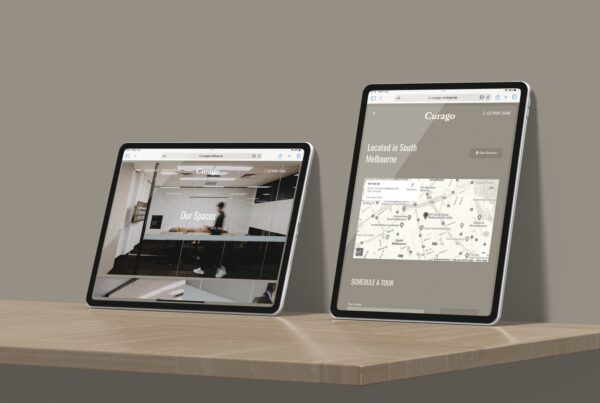
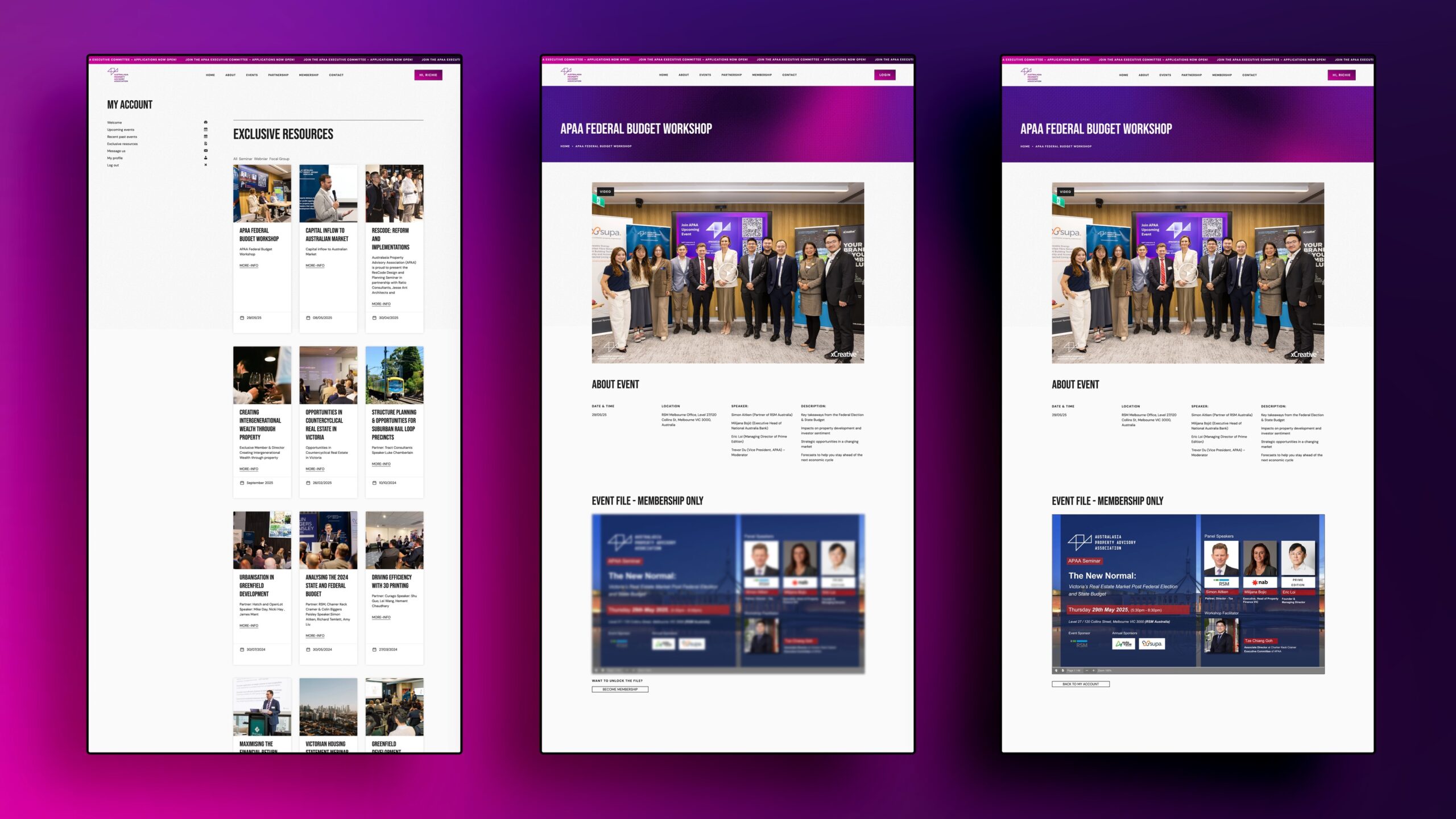
- Prefer real work. For a product business that means photos of the actual product. For a restaurant it means the room and the food. For a studio like ours it means our own project images, including website mockups. We do not use stock images or anything we cannot trace to a real shoot, which is the same test we describe in how we check photos before launch.
- Check size and shape. We use horizontal images at least 1,200 pixels wide, with the subject away from the edges so a square crop in a chat app still makes sense. Images full of text are avoided, as Google asks.
- Record the old values before writing anything. Every change is exported first so the whole batch can be rolled back, and we take a server snapshot before touching the database.
- Clear caches and check again. After writing, we clear the page cache and fetch a sample of pages fresh to confirm visitors and crawlers see the new tag.
Why an old picture can keep showing after the fix
Platforms keep a copy of each preview. Meta’s sharing documentation says images are cached by address and will not update unless the address changes, so the reliable way to replace a picture is to upload the new image under a new file name rather than overwrite the old one. Meta’s Sharing Debugger then lets you ask for a fresh scrape of the page. LinkedIn has a similar tool called Post Inspector.
Two limits are worth knowing. Posts already published keep the preview they were made with, so fixing the page will not change last month’s posts. Search engines and AI tools only see the new image after they crawl the page again, which for an established page can take days or weeks. We tell clients this up front so nobody expects the change to show everywhere the same afternoon.
When to ask your web team to look
A wrong preview is a small fault, but it shows up exactly where a referral or a sales conversation happens, such as a link sent to a buyer or a menu forwarded in a group chat. Ask for a check when you launch or rebuild a site and after a rebrand. Changing SEO plugins is another trigger, because the social image settings do not always carry across.
If you want us to do it, share image checks are part of our website maintenance work and are built into every new site from our web design team in Melbourne. When a site has no suitable photography for its key pages, our photography and drone team can shoot it, as we did for projects such as OTTO MOTORS.
Frequently asked questions
What size should a website link preview image be?
Use a horizontal image at least 1,200 pixels wide. Google asks for that width for large previews in Discover, and a 1,200 by 630 pixel image displays cleanly on Facebook and LinkedIn. Keep the main subject near the centre because some apps crop to a square.
Why does Facebook still show my old image after I changed it?
Meta caches images by address. Upload the new picture under a new file name, update the page, then use the Sharing Debugger to scrape the address again. Posts that were already published keep their old preview.
Should my logo be the share image for every page?
No. Google’s guidance asks site owners to avoid generic images such as a logo for this purpose. Use an image that shows what the page is about, and keep the logo for pages with nothing else to show, such as contact or legal pages.